Deploy and configure
See what a change does first
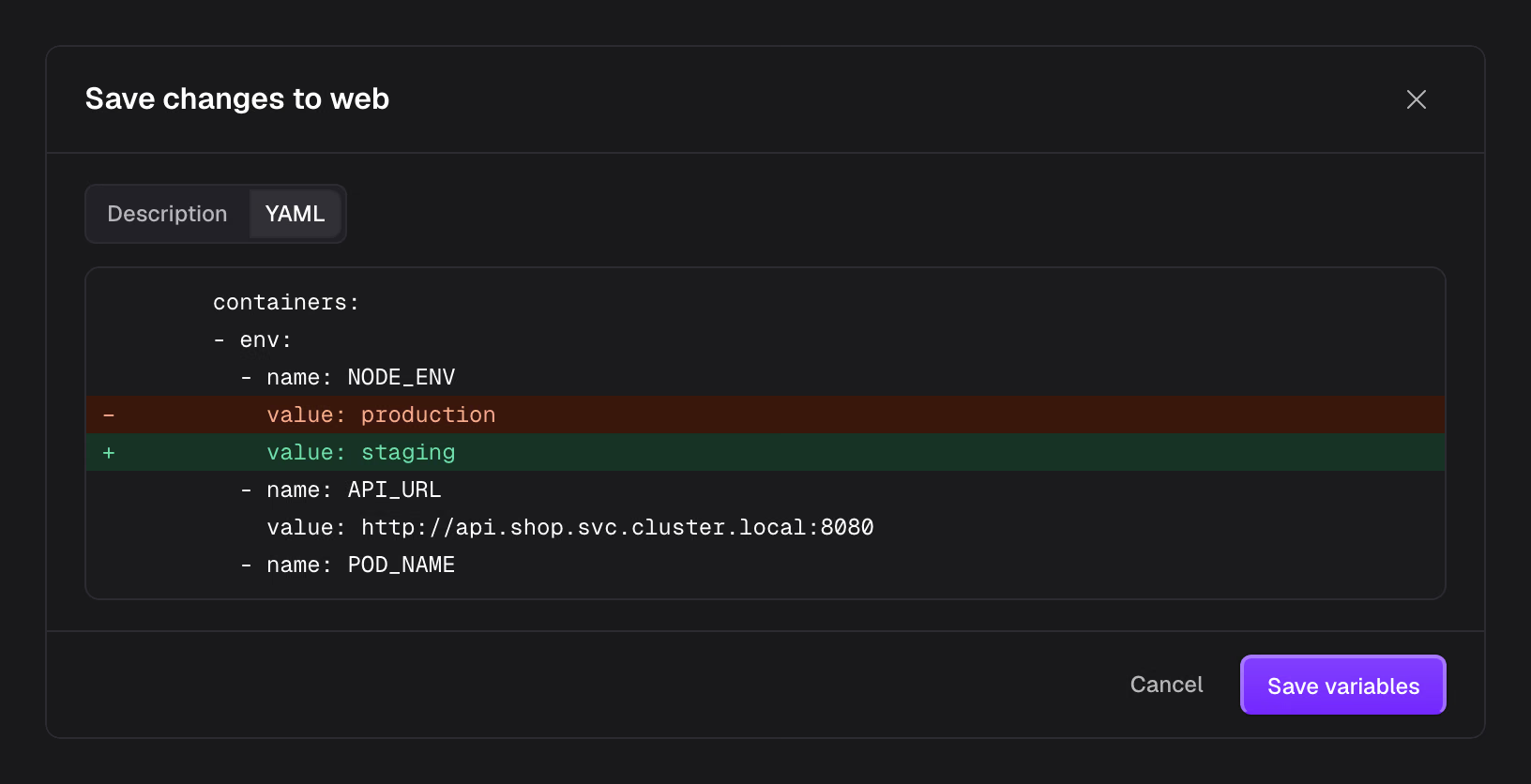
Deploy an image, a Compose file, a Git repository or plain YAML. Every change lists the fields it writes, the services that restart and any data at risk before it applies.
18 features in this group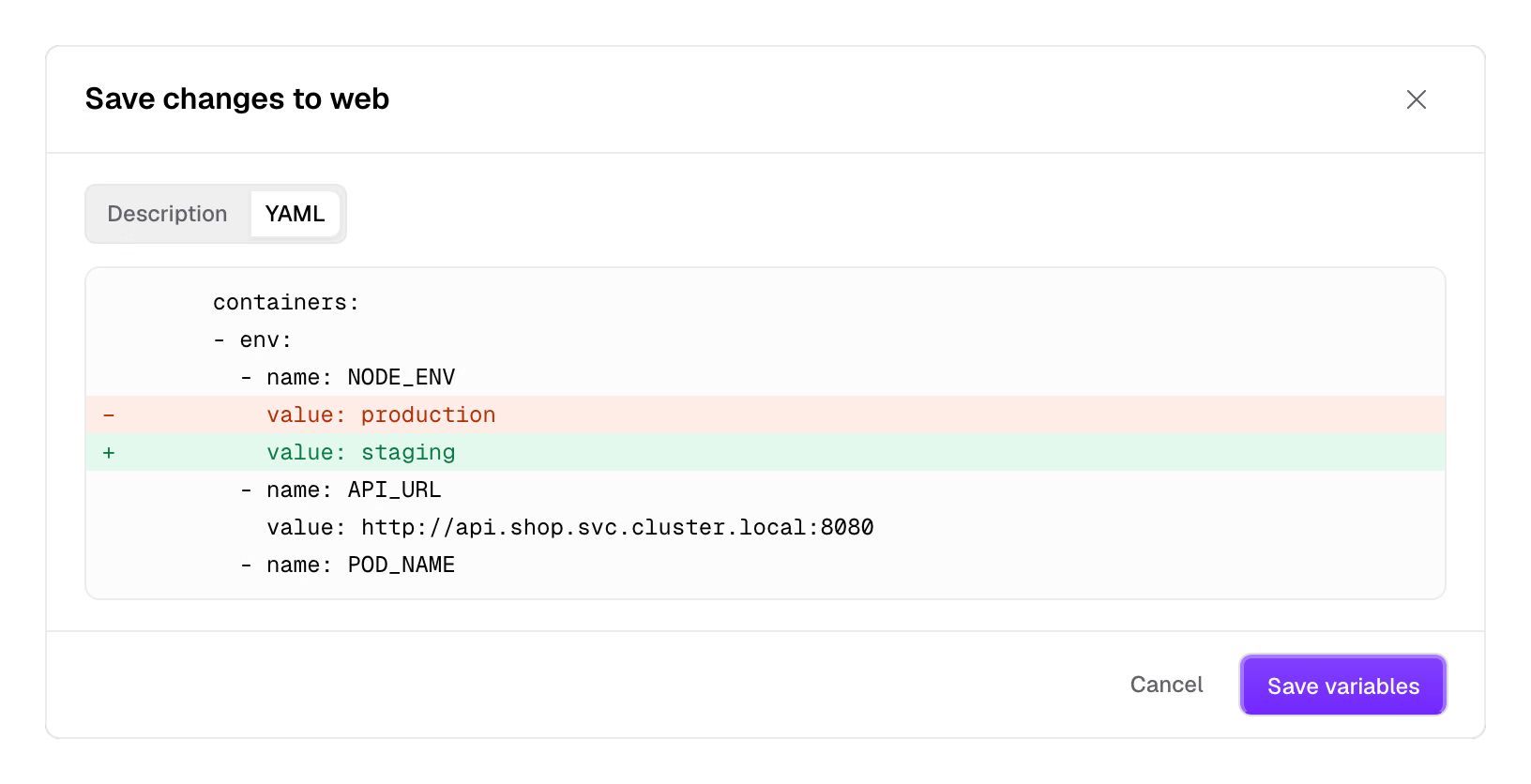
Zeaburv0.1.0
Zeabur reads Kubernetes objects directly, shows each namespace as a project with its services, and tells you what is wrong. A change first lists the fields it will write, and applies when you confirm.
All 88 featuresEvery read and write carries the signed-in person's token, and Kubernetes RBAC decides. The chart's ServiceAccount is bound to no Role.
Review changes lists the objects to create, change or delete. The review is valid for 10 minutes, and if someone changes the same object meanwhile, you review again.
Objects managed by Helm, Argo CD or Flux can only be restarted. Other edits are refused with a pointer to the Helm values or the Git repository.
Selectors, Services, HTTPRoutes and volumes tie Deployments, PVCs and Secrets together into services.
A project is a labelled namespace. Services that need attention come first, with their logs and events beside them.
Every write goes through a kube-apiserver dry run first, and only when all pass are they applied. An object someone else changed is not written.
Deploy and configure
Deploy an image, a Compose file, a Git repository or plain YAML. Every change lists the fields it writes, the services that restart and any data at risk before it applies.
18 features in this groupNetwork and domains
Adding a domain shows the DNS records to set, and certificates renew on their own. When a URL fails, the connection check says whether DNS, the ingress or the service is at fault.
12 features in this groupData and backups
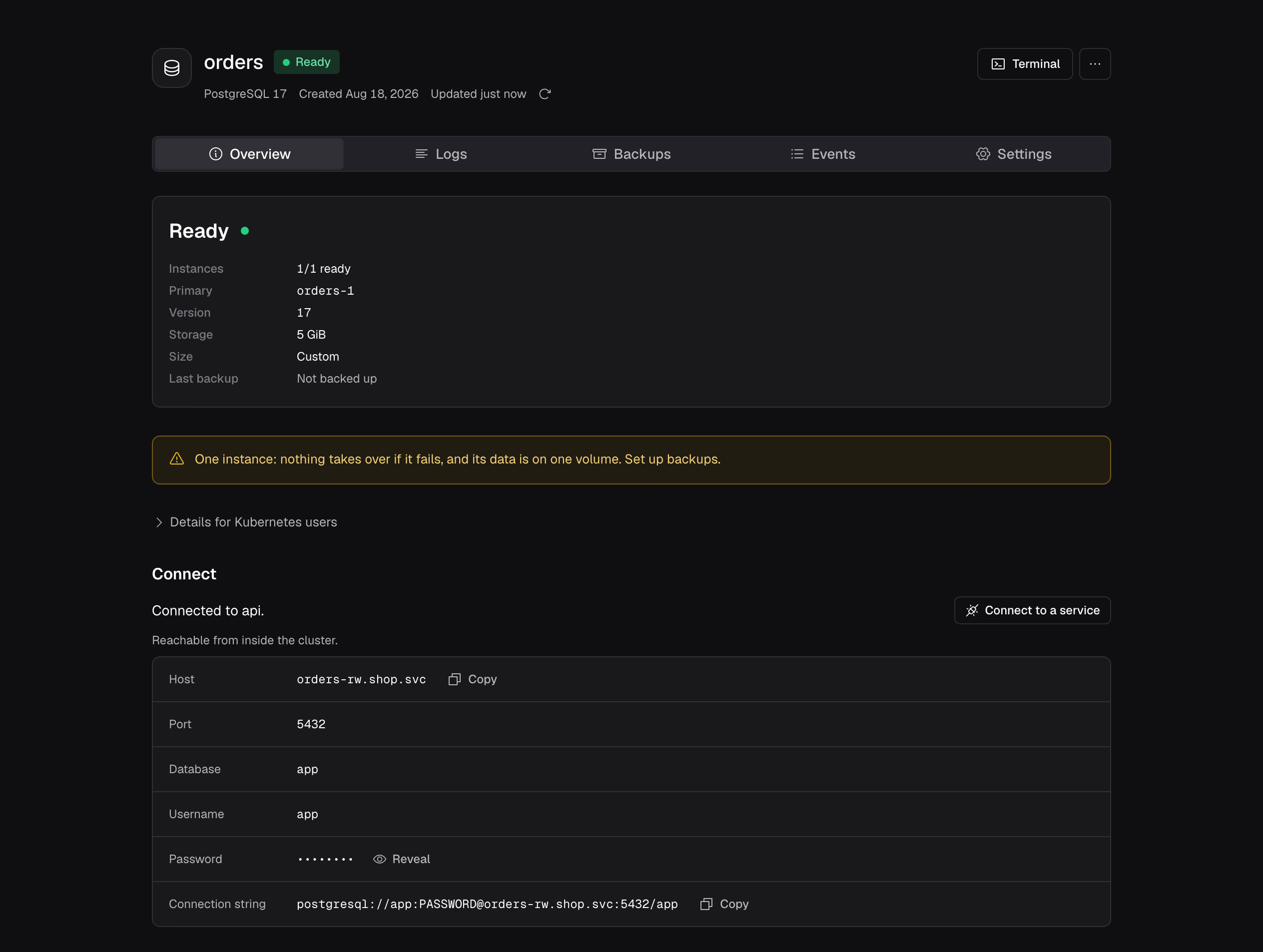
Pick a database and its operator runs it. Back up to S3 on a schedule, restore into a new database and point services at it once it looks right.
13 features in this group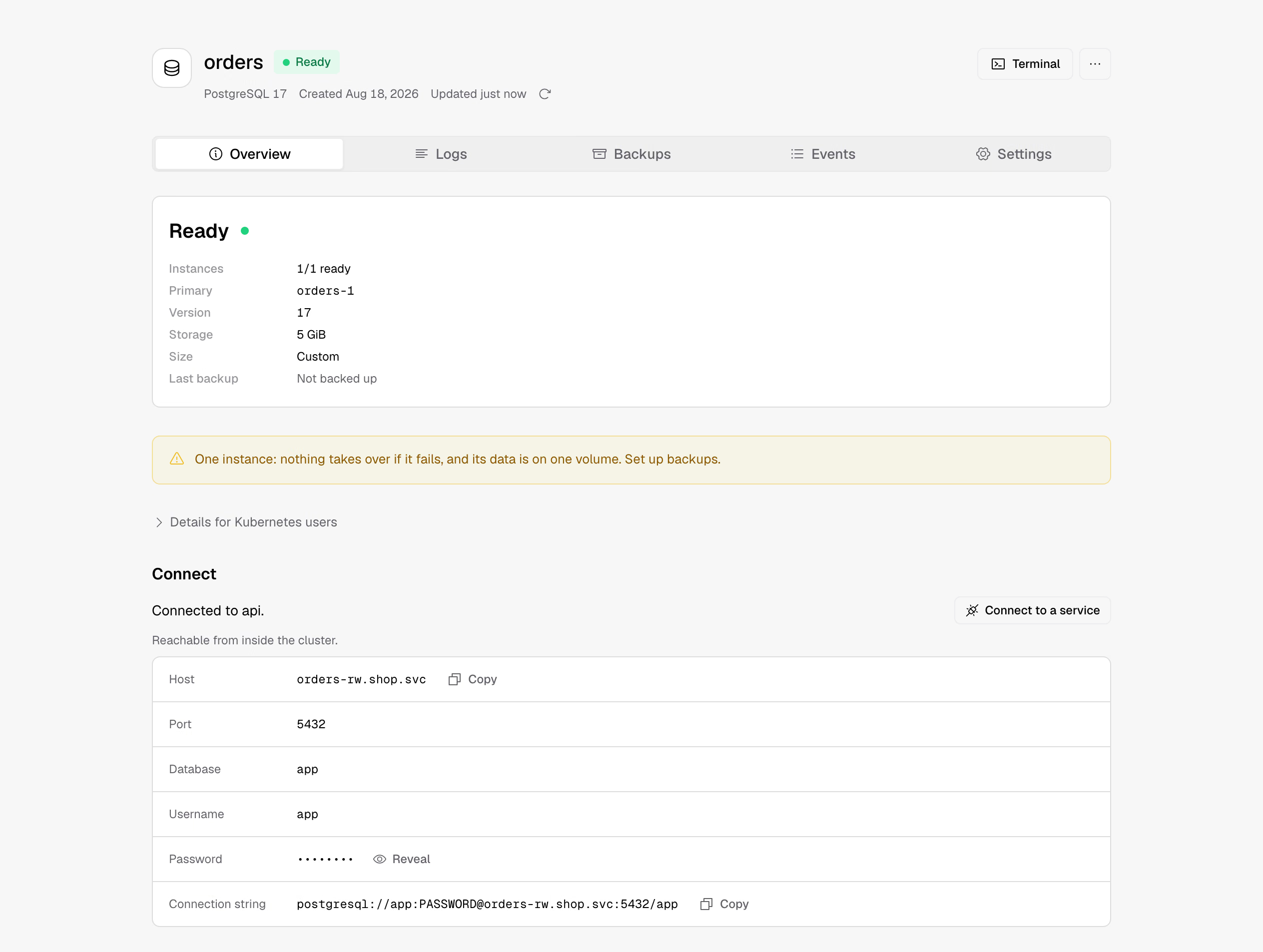
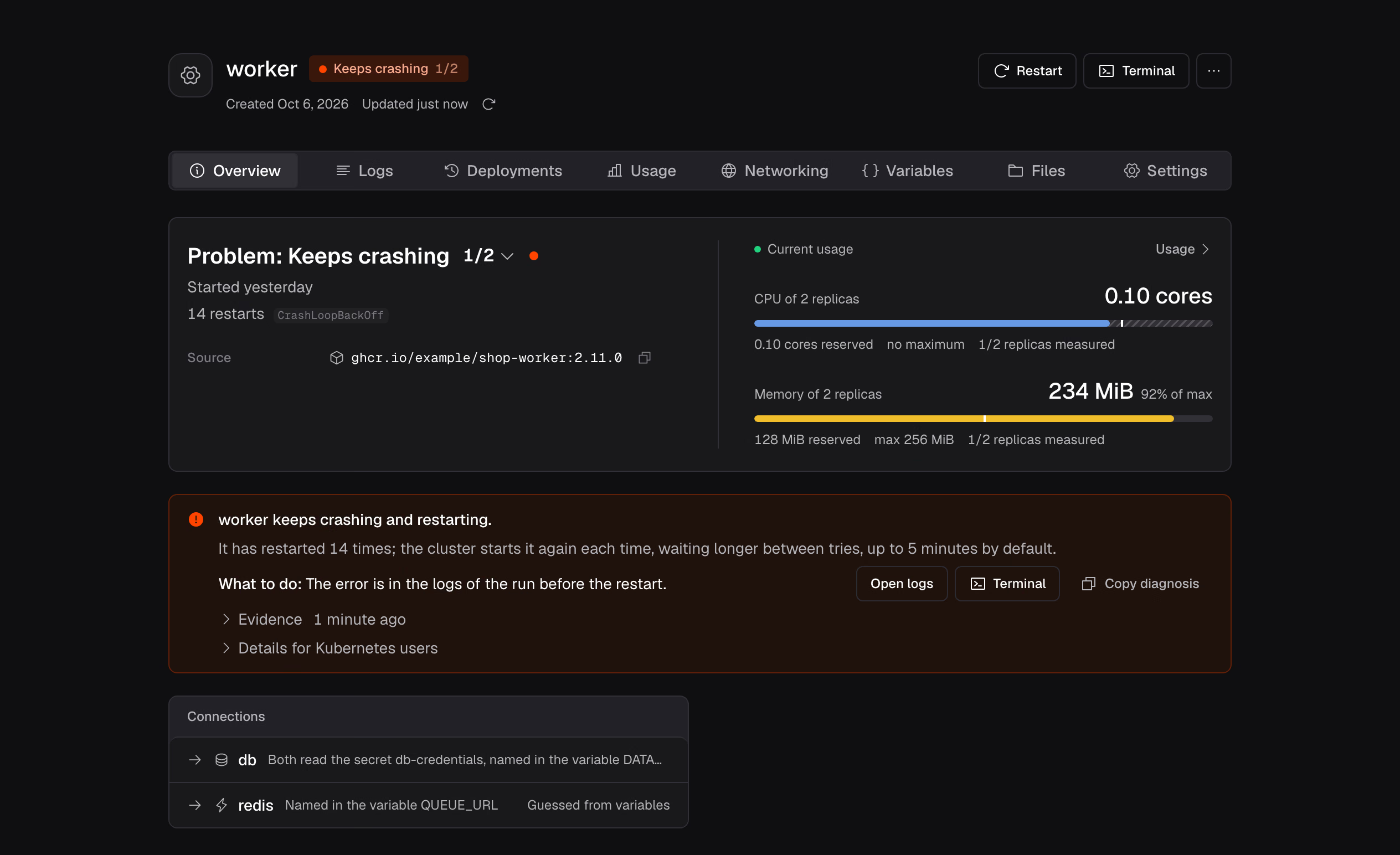
Find what is wrong
When a service is unhealthy, the page says why, shows the evidence and the next step, without AI. One cause behind several broken services is one item.
13 features in this group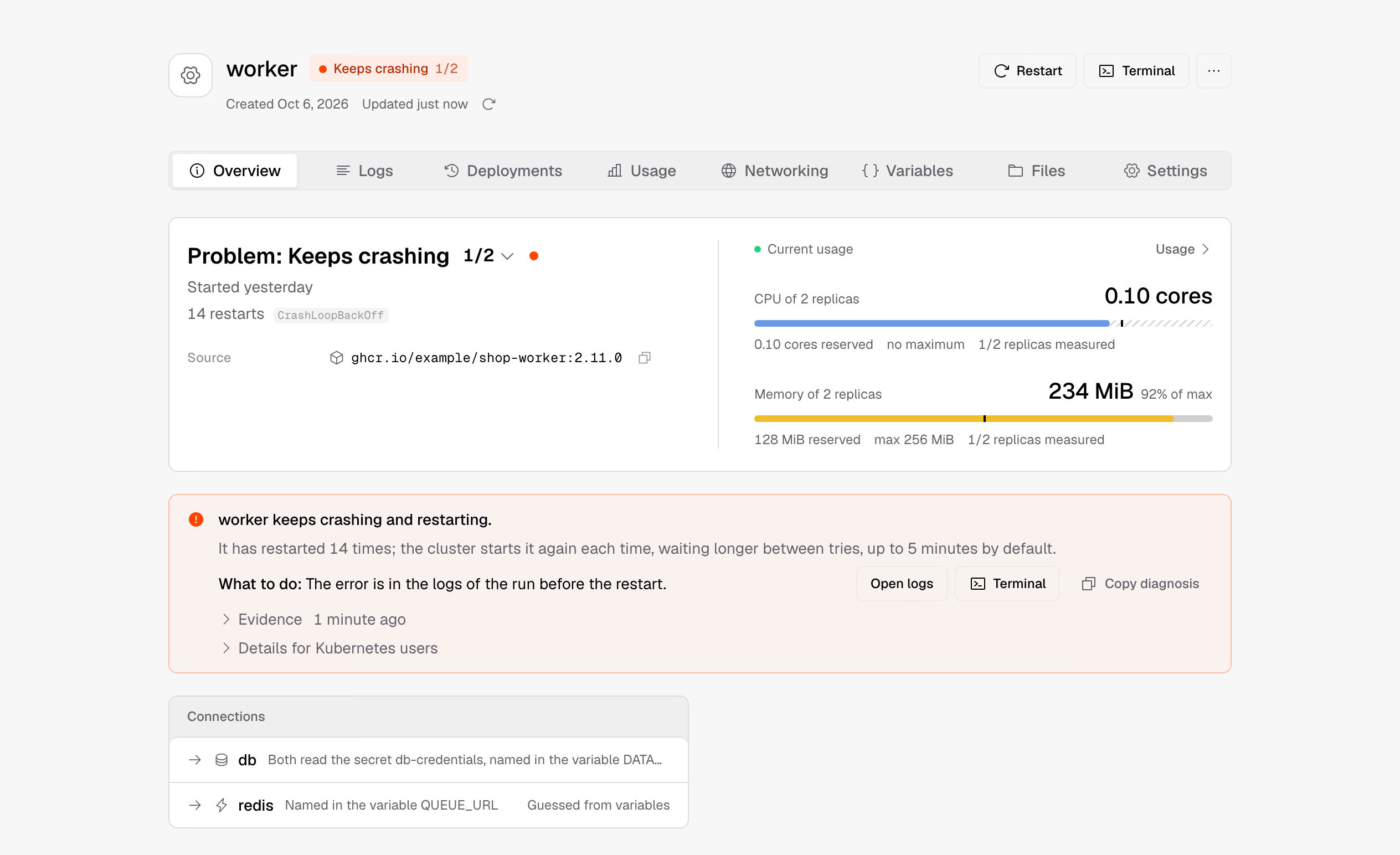
People and permissions
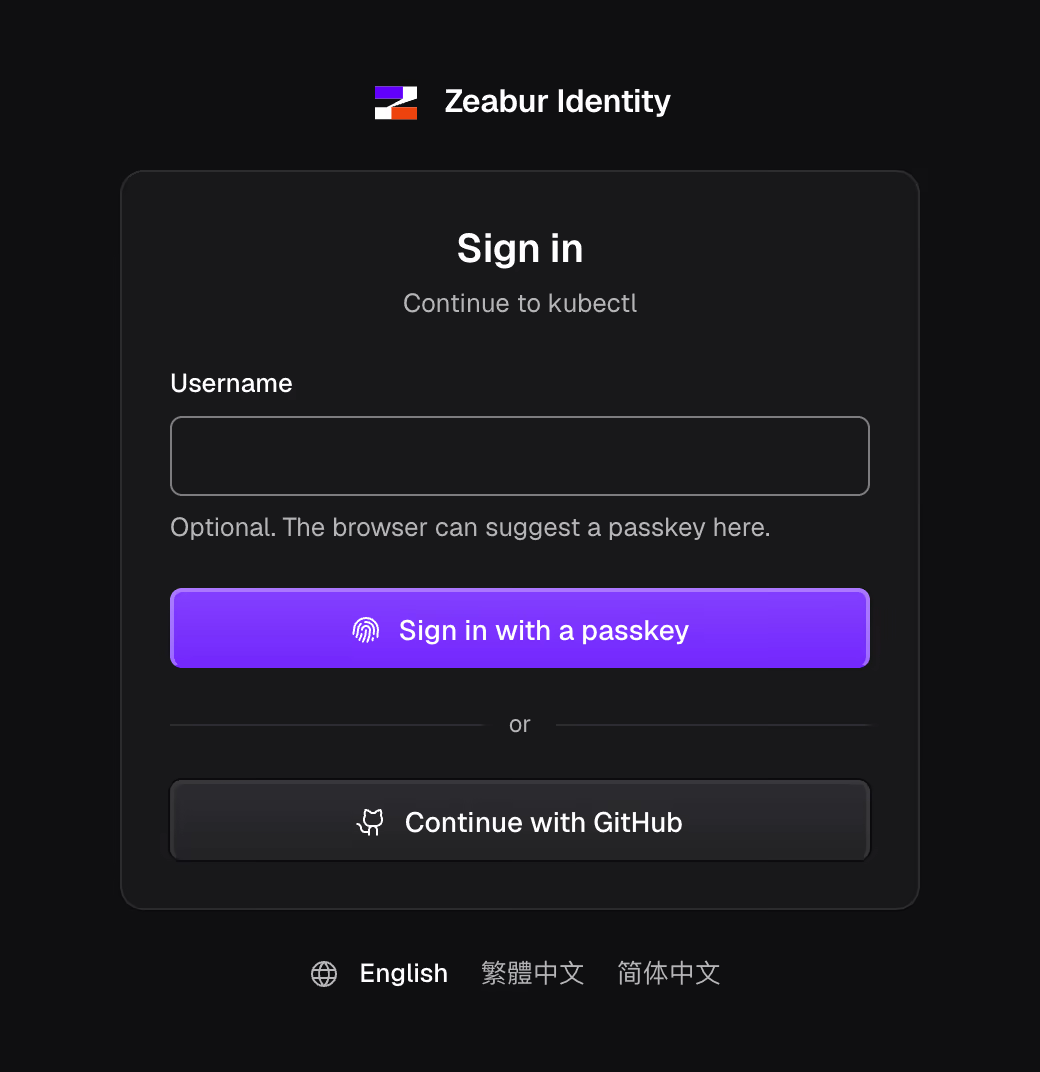
Members sign in with a passkey, and every request carries their own token for Kubernetes RBAC to judge. Admins have their own accounts, passkey only, with tokens that last 5 minutes.
8 features in this group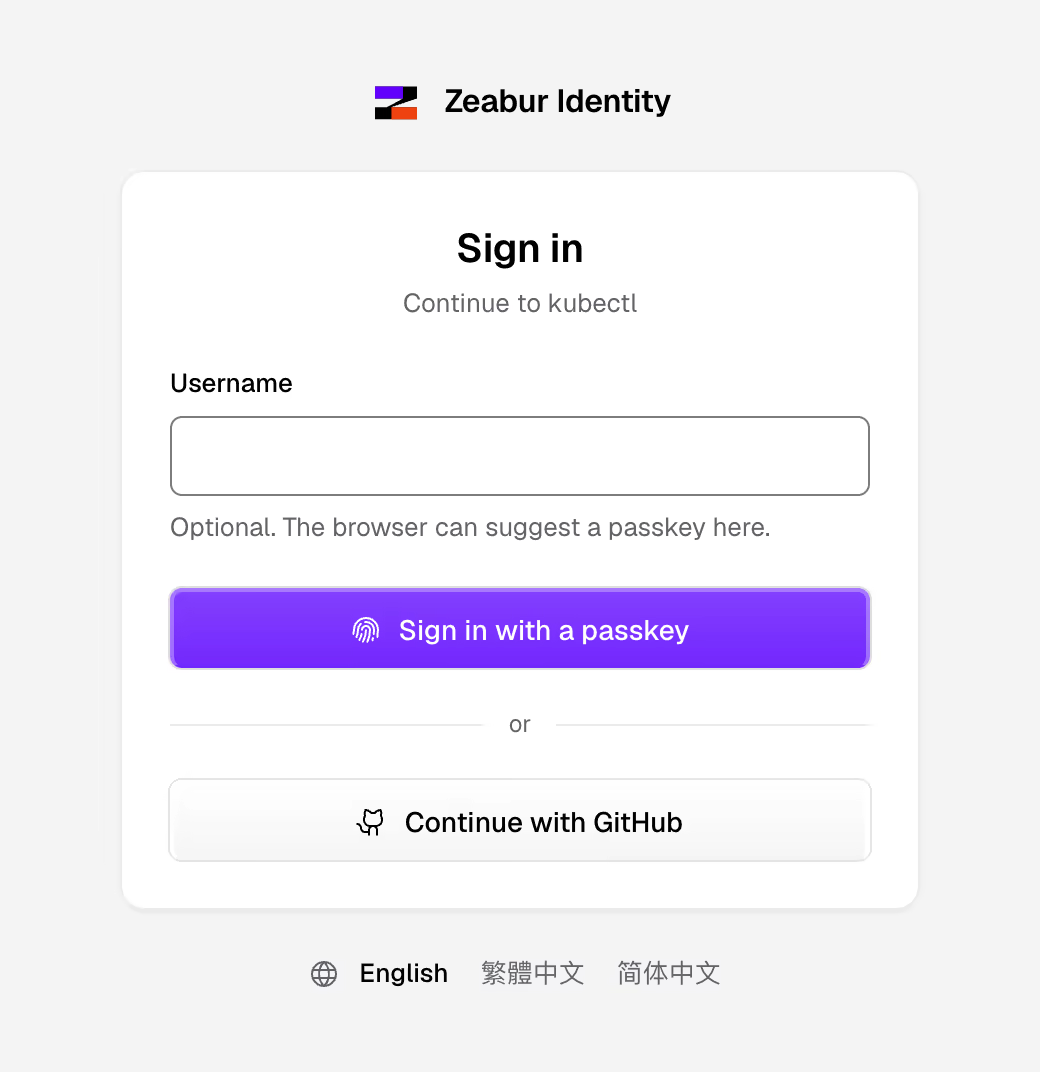
Cluster and nodes
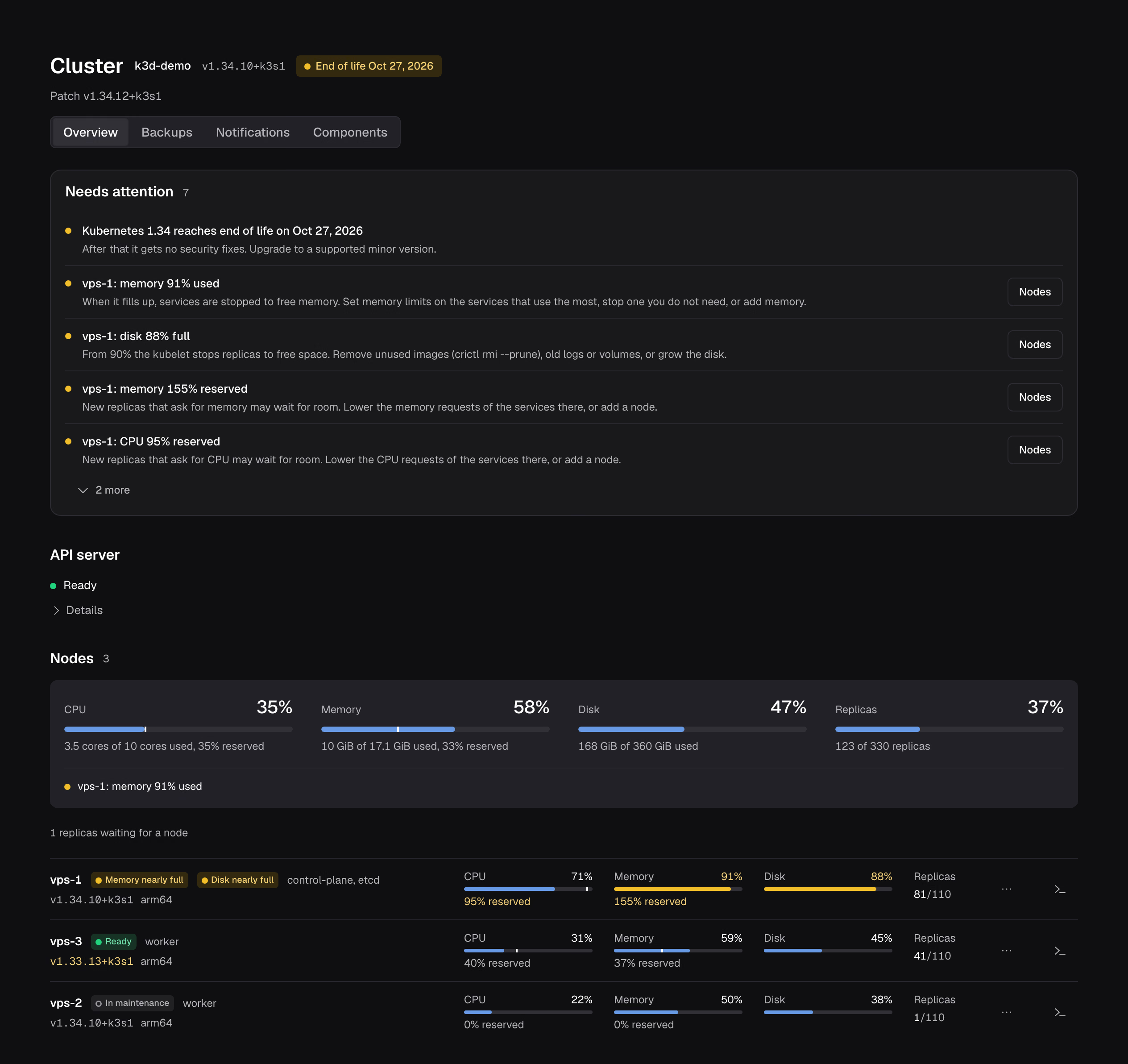
Support dates, version skew and outdated components sit on the overview. Adding, draining and removing nodes each have their steps, and draining honours PodDisruptionBudgets.
8 features in this group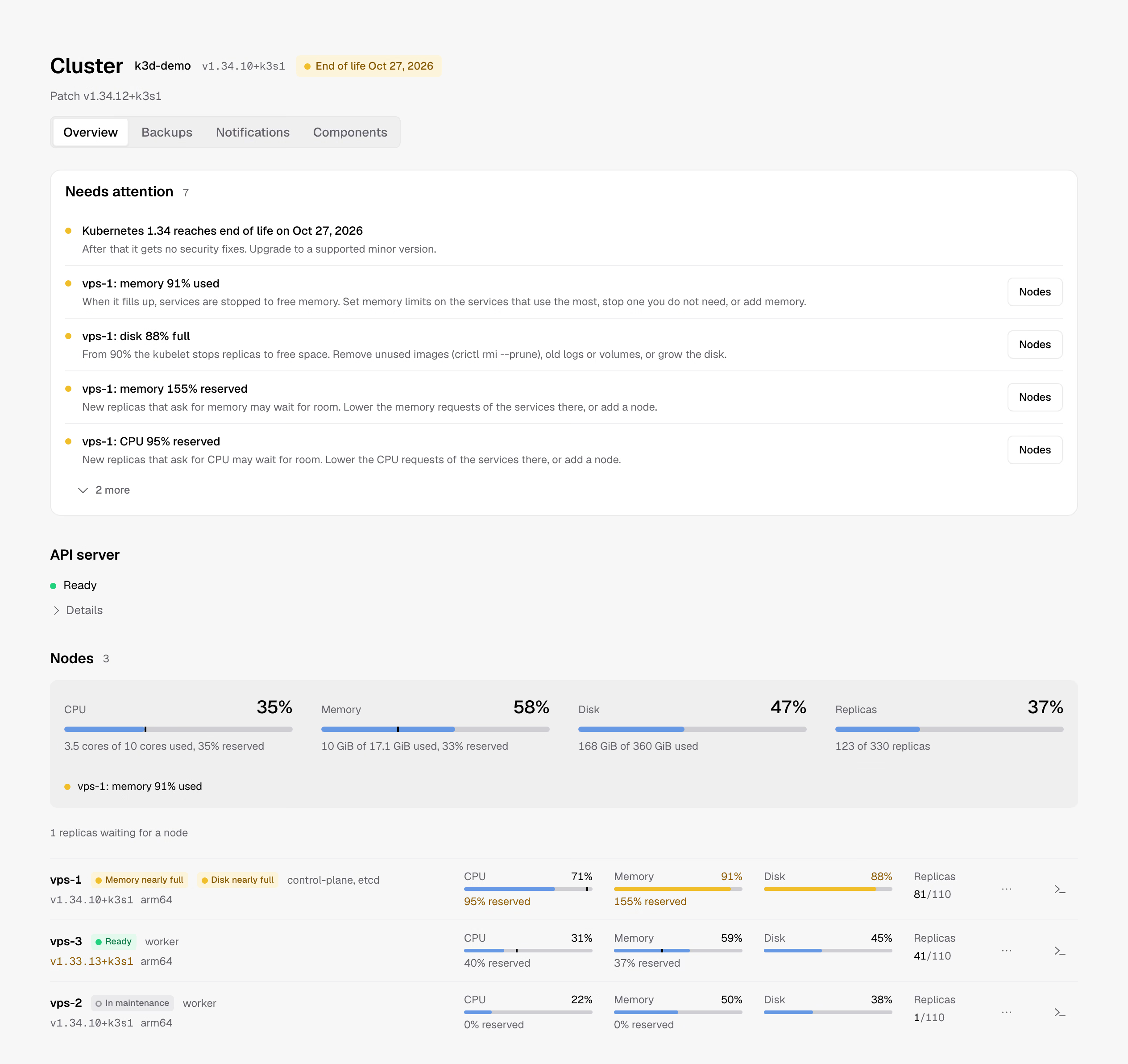
What Zeabur's main branch has today, one line each. Unfinished ones say what is missing.
| Feature | Scope | Needs in the cluster |
|---|---|---|
| Deploy from Git | Build and deploy on every push | Zeabur Builder |
| Images and Compose | Deploy container images, import Docker Compose services | Nothing extra |
| Databases | Create, back up and restore | The database's operator, such as CloudNativePG |
| Object storage | Create S3 object storage and buckets | SeaweedFS operator |
| Public domains | Domains with HTTPS, maintenance and error pages | An ingress controller or Gateway, and cert-manager |
| Cluster | Member rights, nodes, alert notifications, cluster backups, components | Admin rights |
All three open the same interface. They differ in where Zeabur runs and whose credential it uses.
The Zeabur Installer web UI checks the server, lets you pick components, and installs RKE2, Zeabur Identity and Zeabur in one go.
Install on one serverInstall with the Helm chart. Your team signs in with a passkey through Zeabur Identity and works with their own rights.
Install on a clusterzeaburctl ui opens the interface with your current kubeconfig. Nothing gets installed in the cluster.
Using zeaburctl