Zeabur Identityv0.1.0
Delete admin.conf. Sign in to your cluster with a passkey.
kubectl opens your browser, you sign in with Touch ID, Windows Hello or a security key, and get a token that expires in minutes. Kubernetes checks the token itself; Zeabur Identity is never in the path of your requests.
Members use their own rights, admins use their own accounts.
- passkey
Passkeys, not passwords
Touch ID, Windows Hello or a security key. Teammates can also link a GitHub or Google account for everyday sign-in.
- 5 min
Admins have their own accounts
An admin account signs in with a passkey only, and its token lasts 5 minutes and renews while you work. Use a regular account day to day, and the admin account when you change the cluster.
- ~20 MB
Runs inside the cluster it protects
One pod of about 20 MB, no database, no extra servers. OpenID Connect apps such as Argo CD or Grafana can use the same issuer.
Sign in in the browser, carry on in kubectl.
Run kubectl
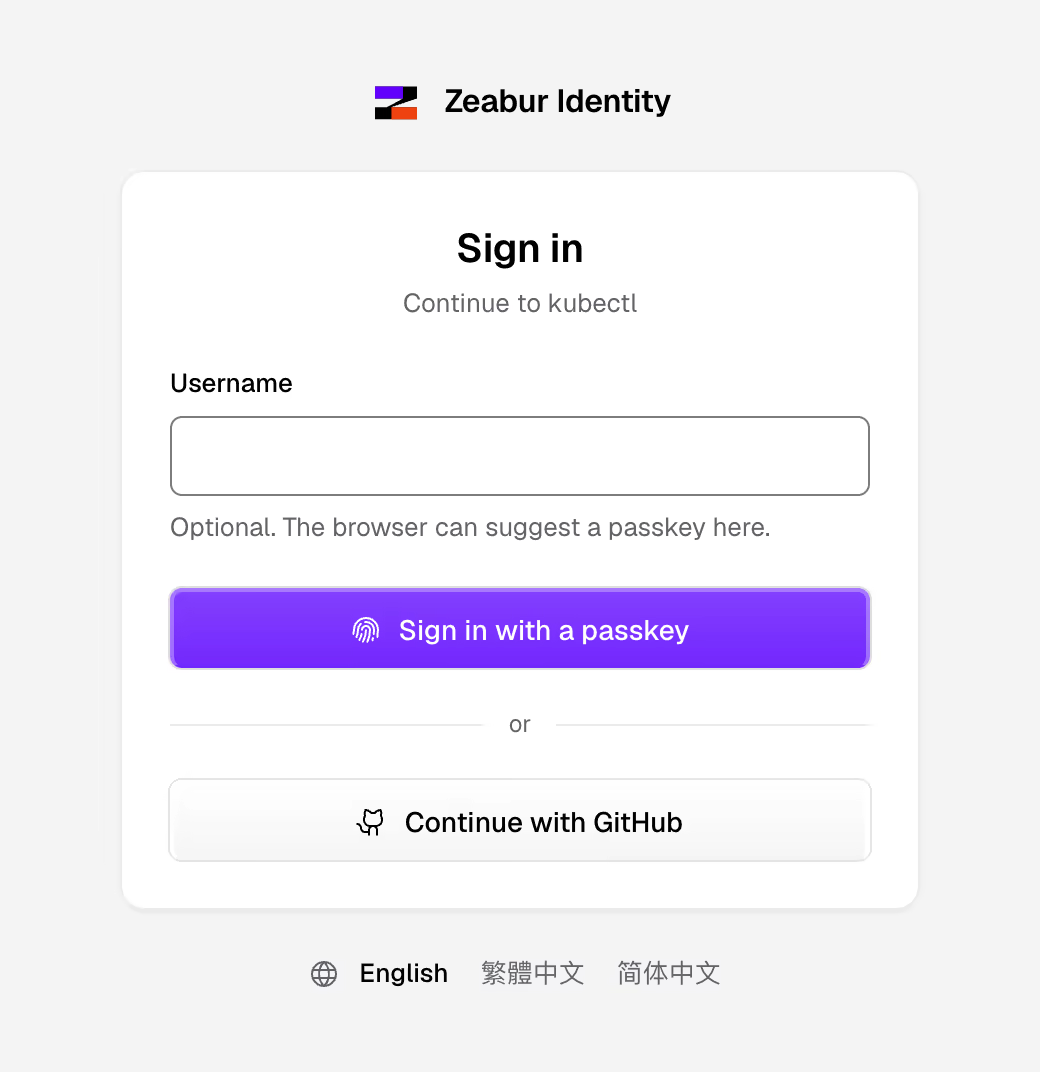
kubectl get pods, for example. Your browser opens Zeabur Identity's sign-in page.
Use your passkey
kubectl gets a token valid for ten minutes and renews it quietly while you work.
Kubernetes checks it
kube-apiserver verifies the token through OpenID Connect. Revoke someone's sessions and their token in hand stops working within ten minutes.
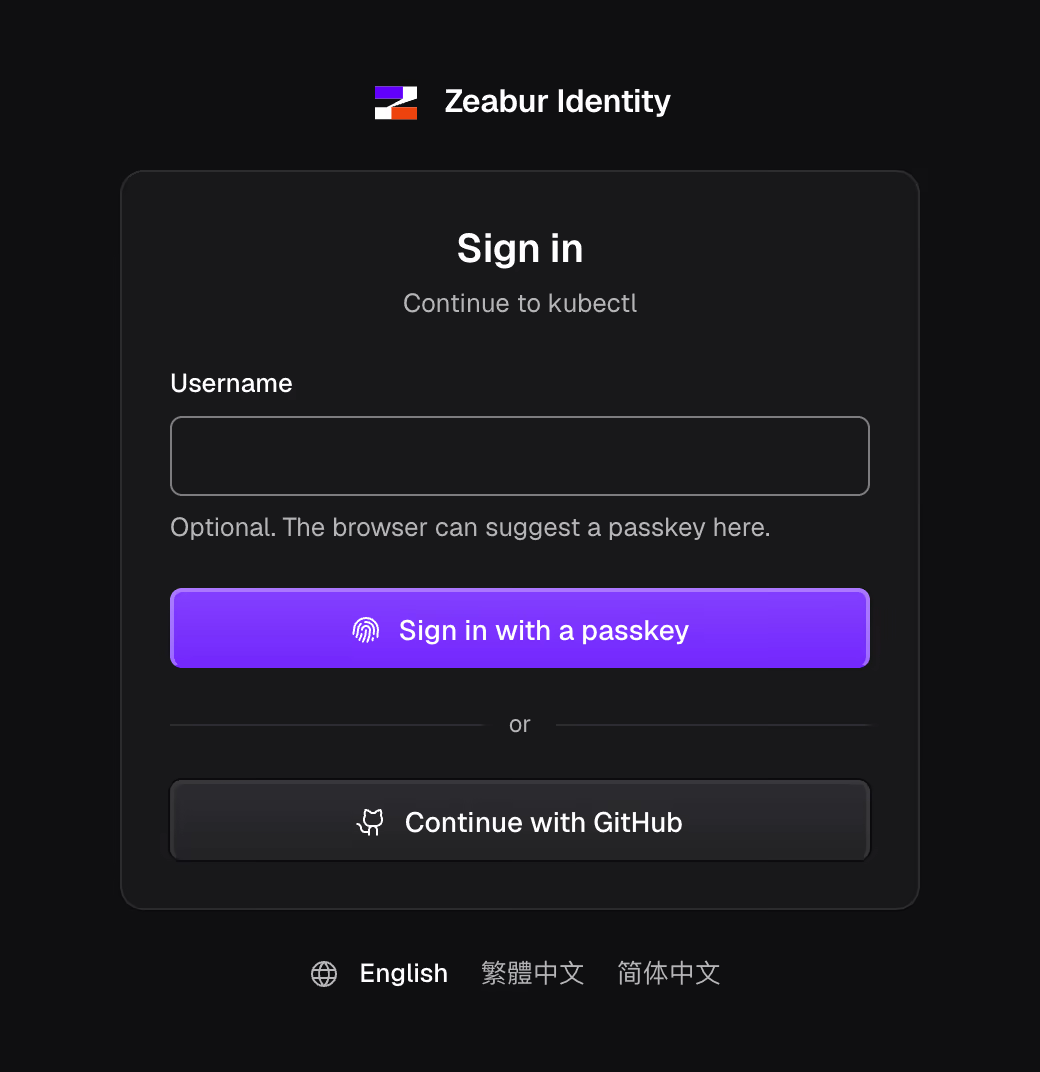
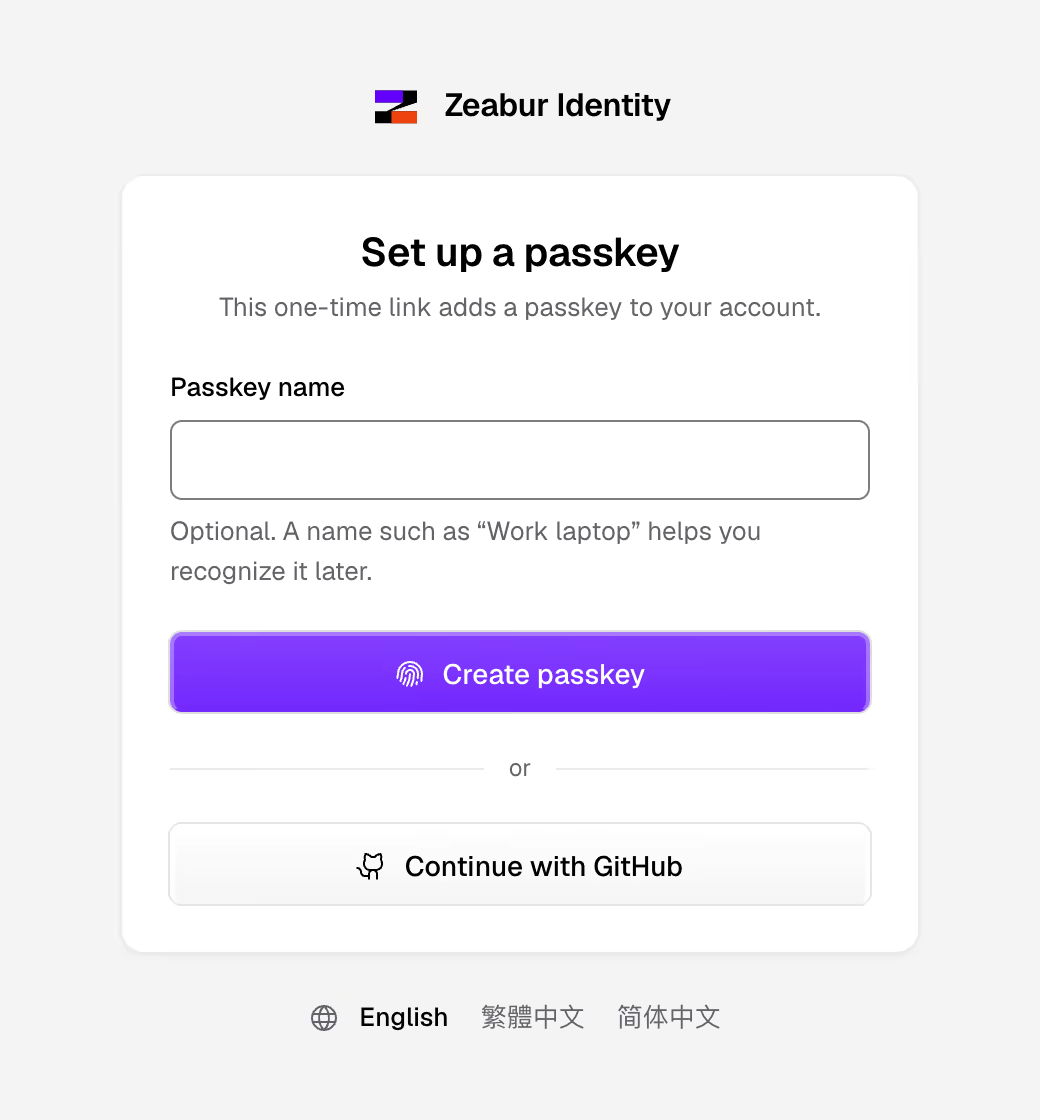
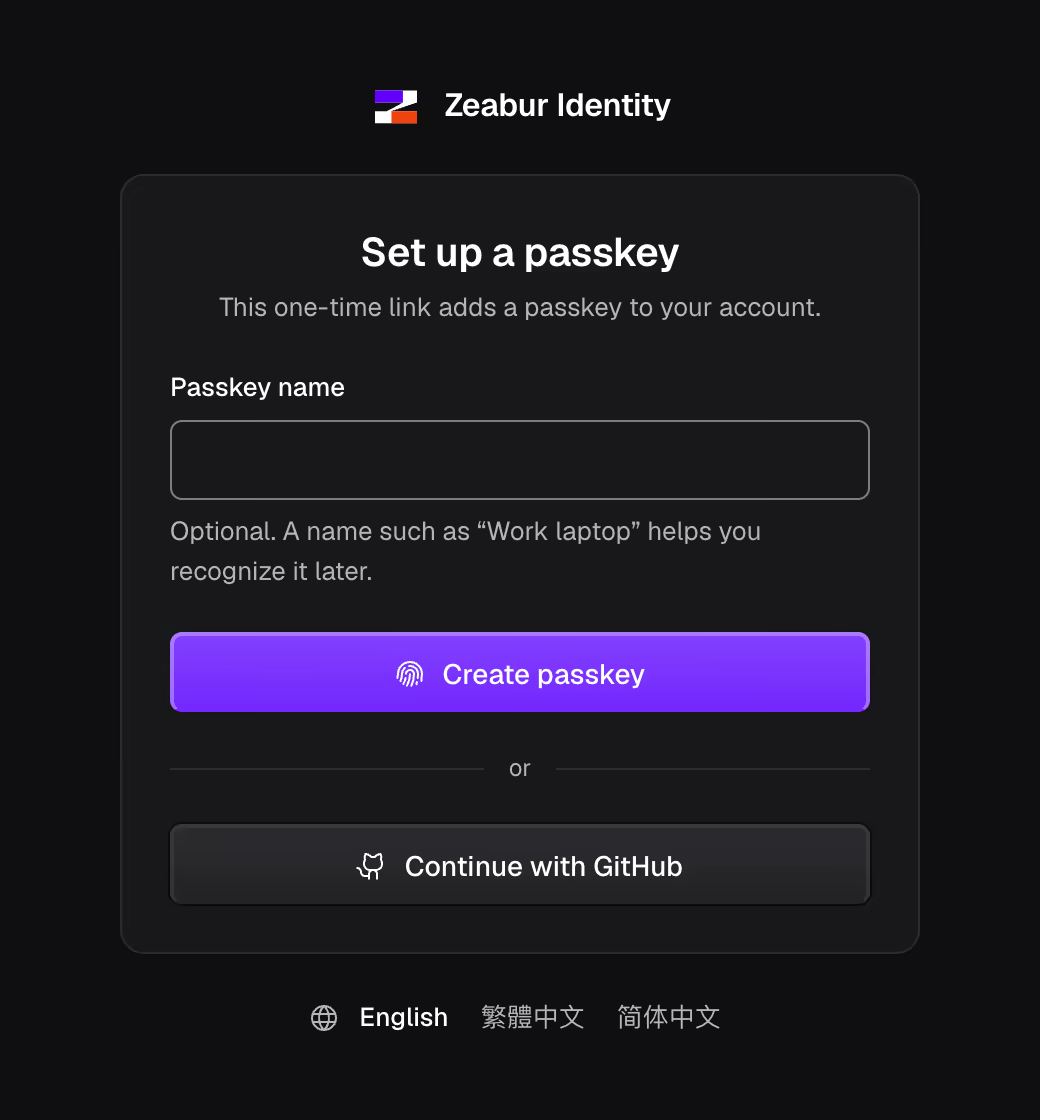
The pages you sign in on
What it supports
| Item | Scope | Conditions |
|---|---|---|
| Kubernetes distributions | Tested in CI on k3s | k0s and kubeadm configuration is available; installation is unverified |
| Sign-in | Passkeys, or a linked GitHub or Google account | GitHub and Google need an OAuth app of your own |
| Admin accounts | Passkey only, 5-minute tokens | Set the account type with zeabur-identityctl |
| Other apps | Register Grafana or Argo CD with zeabur-identityctl client create | The app speaks OpenID Connect |
| People | Groups, admin accounts, lost passkeys, removal, sync from a directory | Sync needs a small script of your own |
| Your computer | kubectl on macOS, Linux or Windows | A kubeconfig set up as in the guide |
Start from one Ubuntu server
The guide installs k3s on an Ubuntu server, downloads and verifies Zeabur Identity, and signs you in with a passkey from your computer. On a cluster you already have, run these lines with your cluster-admin kubeconfig.
export ZEABUR_IDENTITY_ISSUER=https://login.example.com
zeabur-identityctl crds | kubectl apply --server-side -f -
zeabur-identityctl manifests --image "$ZEABUR_IDENTITY_IMAGE" \
  --serve-arg=--invitations | kubectl apply --server-side -f -
# Prints kube-apiserver's configuration and how to install it
# for your distribution:
zeabur-identityctl kube-config --distro k3s > authn.yaml
# A one-time link: open it and create your passkey.
zeabur-identityctl setup-link --username admin