Zeabur Identity
- Managing users
- Get started: k3s on an Ubuntu server, kubectl with a passkey
- Sign in with GitHub
- Sign in with Google
- Registering clients
- Provisioning users from a directory
- Architecture
- Conformance
- Releases
- Backup, recovery and emergency access
- Check a release installation
Delete admin.conf. Sign in to your cluster with a passkey.
Most self-managed clusters are run with one admin kubeconfig that never expires, gets copied to
every laptop, and cannot be revoked. Zeabur Identity replaces it
with a passkey: kubectl opens your browser, you touch your fingerprint reader, and you get a
token that lasts minutes, not years.
Status: v0.1.0 alpha. Expect breaking changes; no upgrade or rollback guarantees. See the release notes and support policy.
https://github.com/user-attachments/assets/4c6e29f2-341c-4622-8cc5-4337e13e53b5
Signing in to Aptakube with a passkey: the cluster opens for browsing, and restarting a deployment is refused with 403 for an account without that right.
Why Zeabur Identity
Section titled “Why Zeabur Identity”- Passkeys, not passwords. Touch ID, Windows Hello or a security key. Teammates can also link a GitHub or Google account for everyday access.
- Admin rights belong to admin accounts. Keep a separate admin account for cluster changes. It signs in with a passkey only, its tokens last 5 minutes, and its sessions are shorter. Everyday accounts get only the rights you bind to their groups.
- No forever key on anyone's laptop. Tokens last minutes and Kubernetes checks them itself. Every session ends 12 hours after sign-in. Revoke a person's sessions and their access ends when the token in hand expires, within ten minutes.
- Runs inside the cluster it protects. One small pod (about 20 MB), no database, no extra servers. Tested in CI on k3s; the same configuration covers RKE2, but installation there is unverified. OpenID Connect apps such as Argo CD or Grafana can use the same issuer.
What it looks like
Section titled “What it looks like”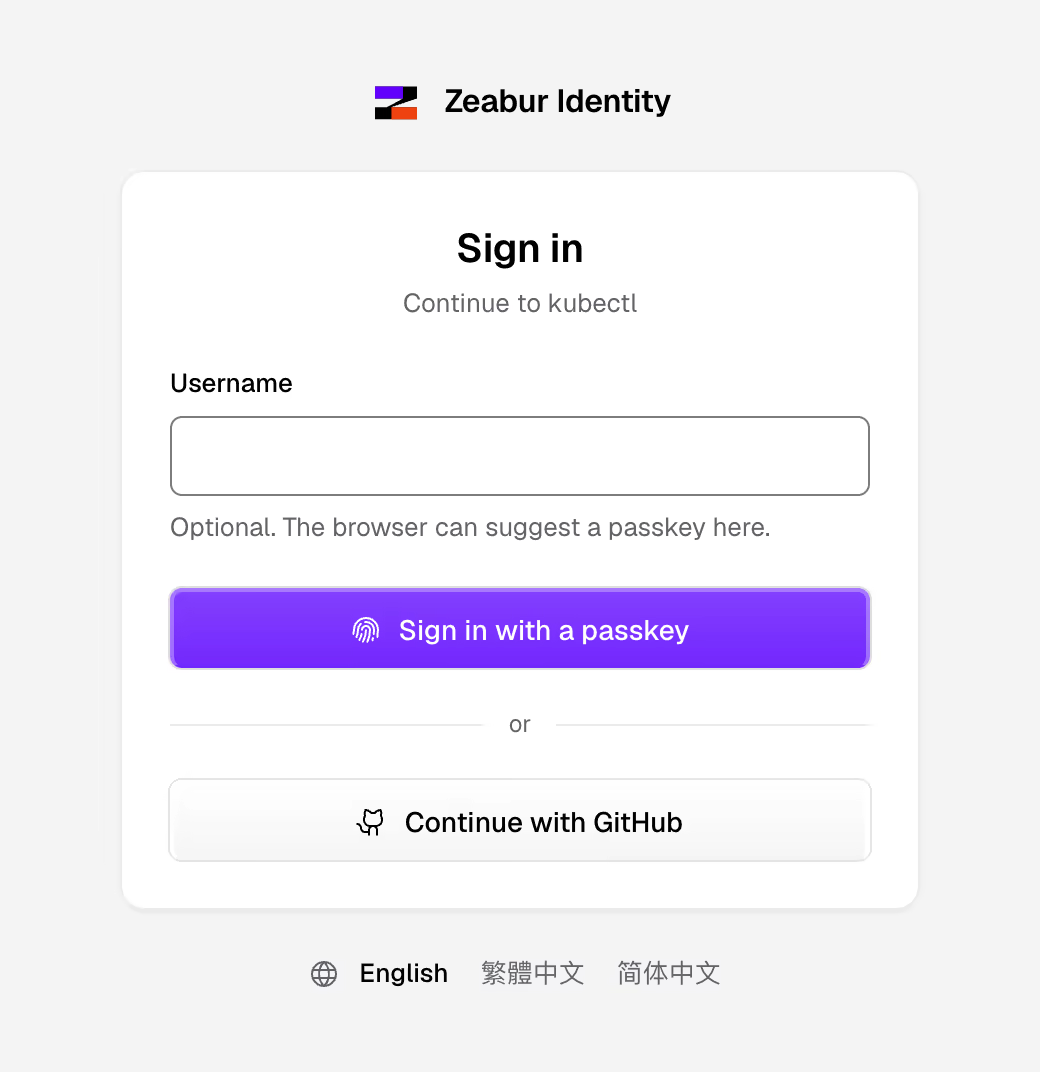 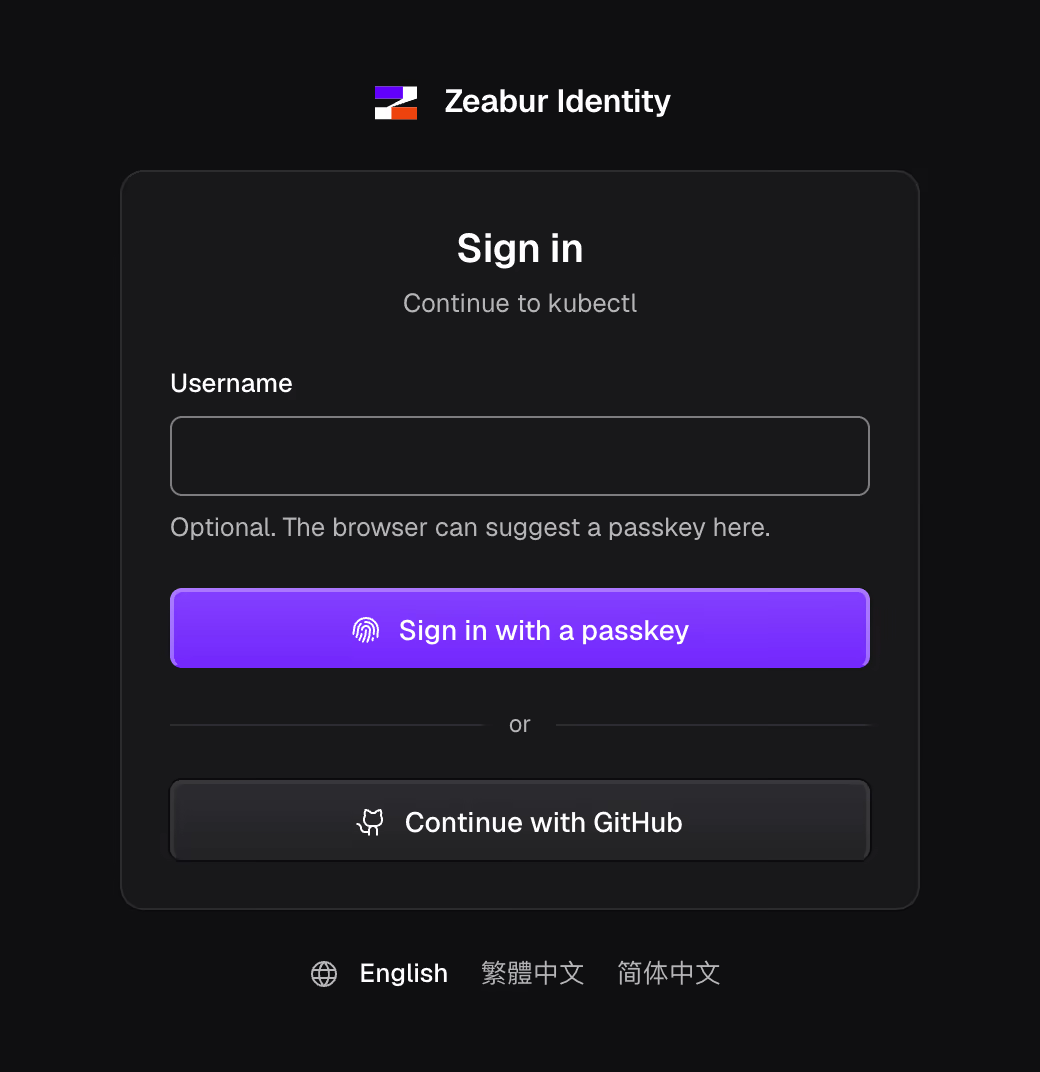 | 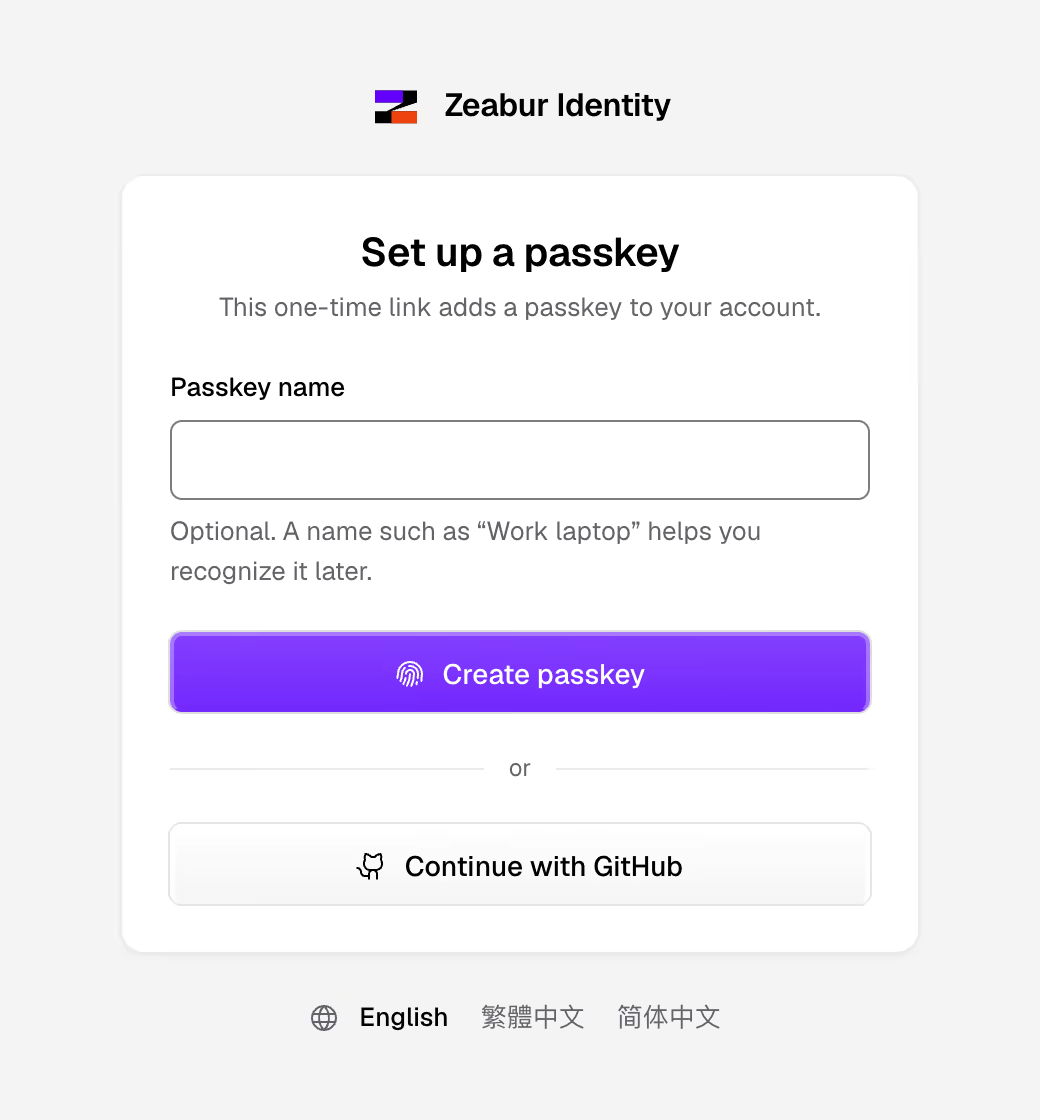 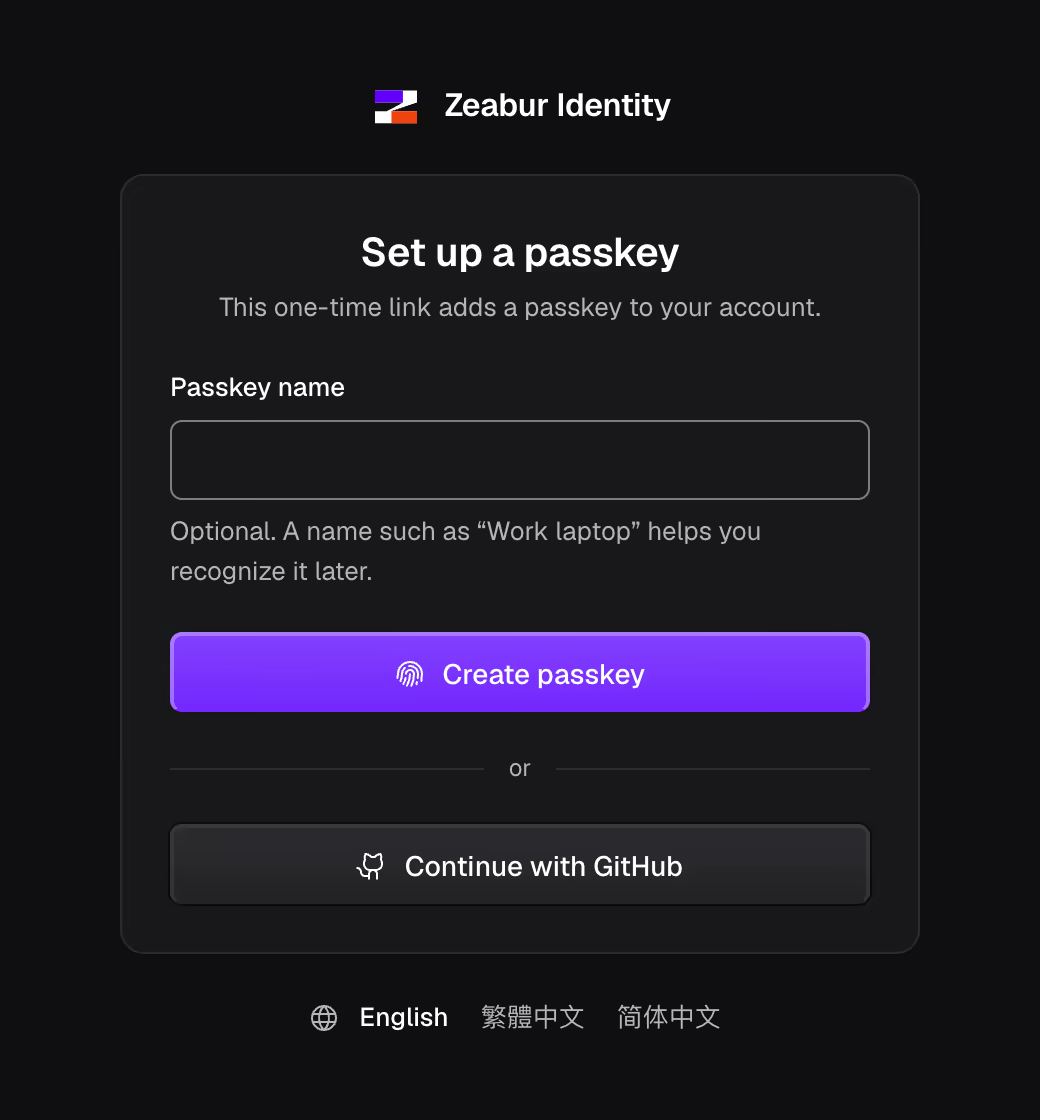 |
| Everyday sign-in passkey or GitHub | Joining a one-time invitation link |
How it works
Section titled “How it works”- You run
kubectl get pods. Your browser opens Zeabur Identity's sign-in page. - You sign in with your passkey.
kubectlreceives a token valid for ten minutes and renews it quietly while you work. - Kubernetes checks the token itself. Zeabur Identity never sits in the path of your requests.
Need to change something? Sign in with your admin account. It uses a passkey only and has full rights at once, without a second sign-in. For stricter rules, such as security keys only for admins, see Manage users.
Get started
Section titled “Get started”Follow the step-by-step guide to install k3s on an Ubuntu server, download and verify Zeabur Identity, and sign in with a passkey from your computer (macOS, Linux or Windows).
For an existing cluster, first download and verify Zeabur Identity. Then install it with your cluster-admin kubeconfig:
export ZEABUR_IDENTITY_ISSUER=https://login.example.comzeabur-identityctl crds | kubectl apply --server-side -f -zeabur-identityctl manifests --image "$ZEABUR_IDENTITY_IMAGE" --serve-arg=--invitations | kubectl apply --server-side -f -# Prints kube-apiserver's configuration and how to install it for your distribution:zeabur-identityctl kube-config --distro k3s > authn.yaml# A one-time link: open it and create your passkey.zeabur-identityctl setup-link --username adminFor development builds, see Building from source.
Then:
- Sign in with GitHub or Google.
- Register clients such as Grafana or Argo CD, with
zeabur-identityctl client create. - Manage users: groups, admin rights, lost passkeys, removing people; provision them from a directory with a small sync script.
zeabur-identityctl invite --username aliceto send someone a one-time link. It needs the server started with--invitations, as above; without it the link cannot be redeemed.
Learn more
Section titled “Learn more”- Architecture: how the pieces fit, security properties, the crates.
- Conformance: every specification requirement, mapped to code and tests.
- Contributing: development setup, the checks CI runs, dependency policy.
- Releases: supported platforms, tag workflow, signatures, checksums and SBOMs.
Licence and credits
Section titled “Licence and credits”Apache-2.0. Contributions are accepted under the Developer Certificate of Origin.
The sign-in pages take their styles and component classes from Zeabur's design system
(Apache-2.0, built on shadcn/ui, MIT) and ship the
Geist font (SIL Open Font License 1.1,
crates/zeabur-identity-ui/assets/LICENSE-Geist.txt). The container image includes
Mozilla's CA certificate bundle as packaged by nixpkgs (MPL-2.0).